AI Practices
In recent years, I've seamlessly integrated AI tools into my everyday design process. They've ignited fresh ideas, enhanced my communication, and clarified intricate information, transforming concepts into real, impactful experiences. I leverage AI across various areas, including generating visual assets and rapid prototyping, allowing me to boost my productivity while maintaining sustainable creativity.
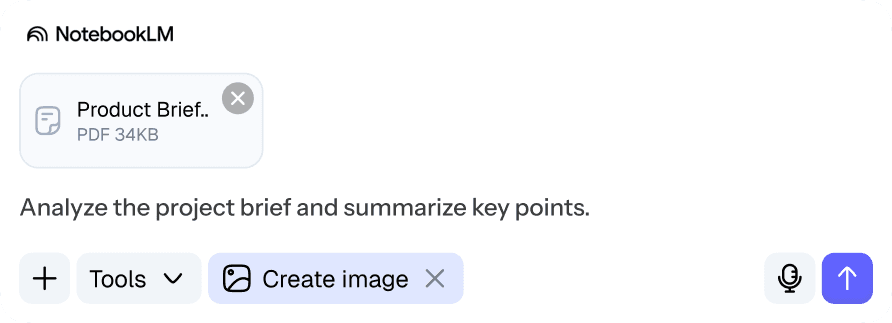
Turn technical documents to design brief
PM specs and engineering docs often come in too technical or too vague to use directly. I used to spend a lot of time reworking them, but now I use Claude or Gemini to quickly rephrase and restructure them into design briefs. It still takes judgment and editing, but it saves time and gives me a clearer, more usable starting point.
Simple Design Feedbacks
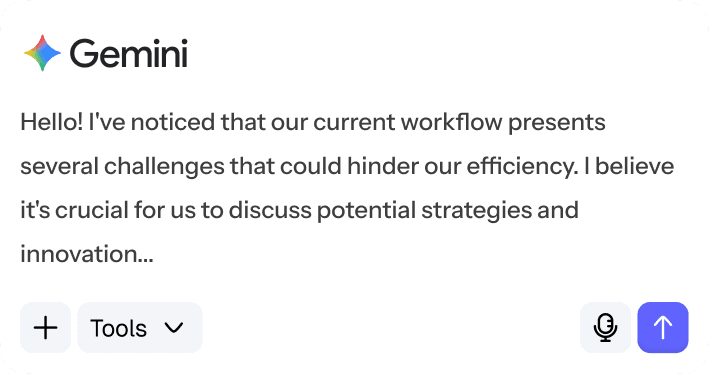
It’s easy to feel isolated without regular feedback. I use LLM as a first pass to catch issues like accessibility or clarity, especially on technical projects. While it’s not a substitute for real design critique, it often surfaces helpful insights.
Turning Designs into Prototype
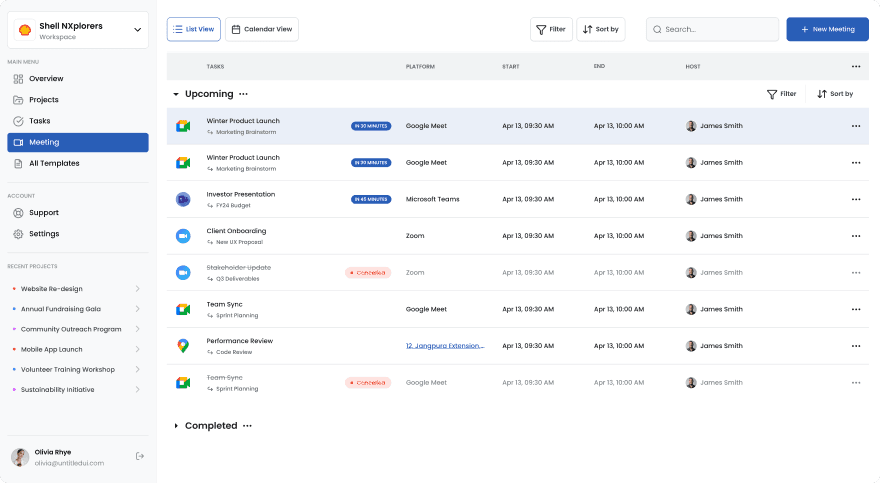
As a designer, creating prototypes is crucial for my workflow. It helps visualize concepts and test functionality. Interactive prototypes gather feedback, identify issues, and refine ideas, enhancing collaboration and ensuring the final product meets user needs.
Understanding feedback and analyzing competitors.
I regularly use tools like Gemini and Claude to process raw feedback, interview transcripts, forum comments, and reviews. LLM's helps me identify themes and organize insights, structures content as “artifacts” and allows for deeper exploration.



Reach out to me